描述
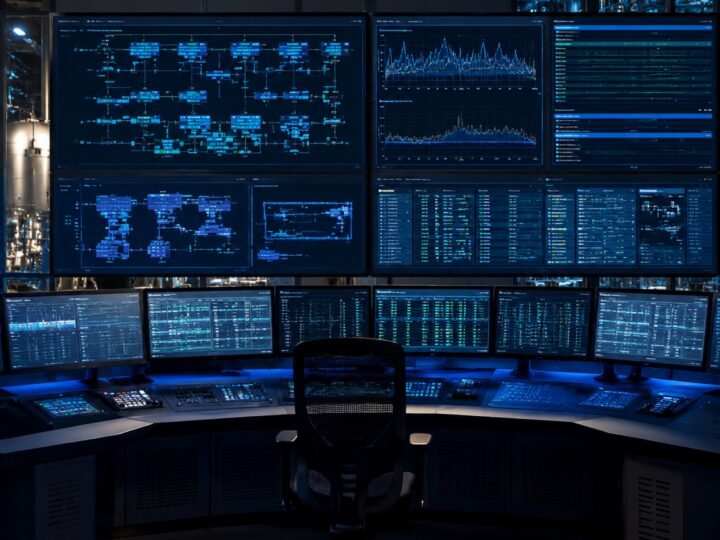
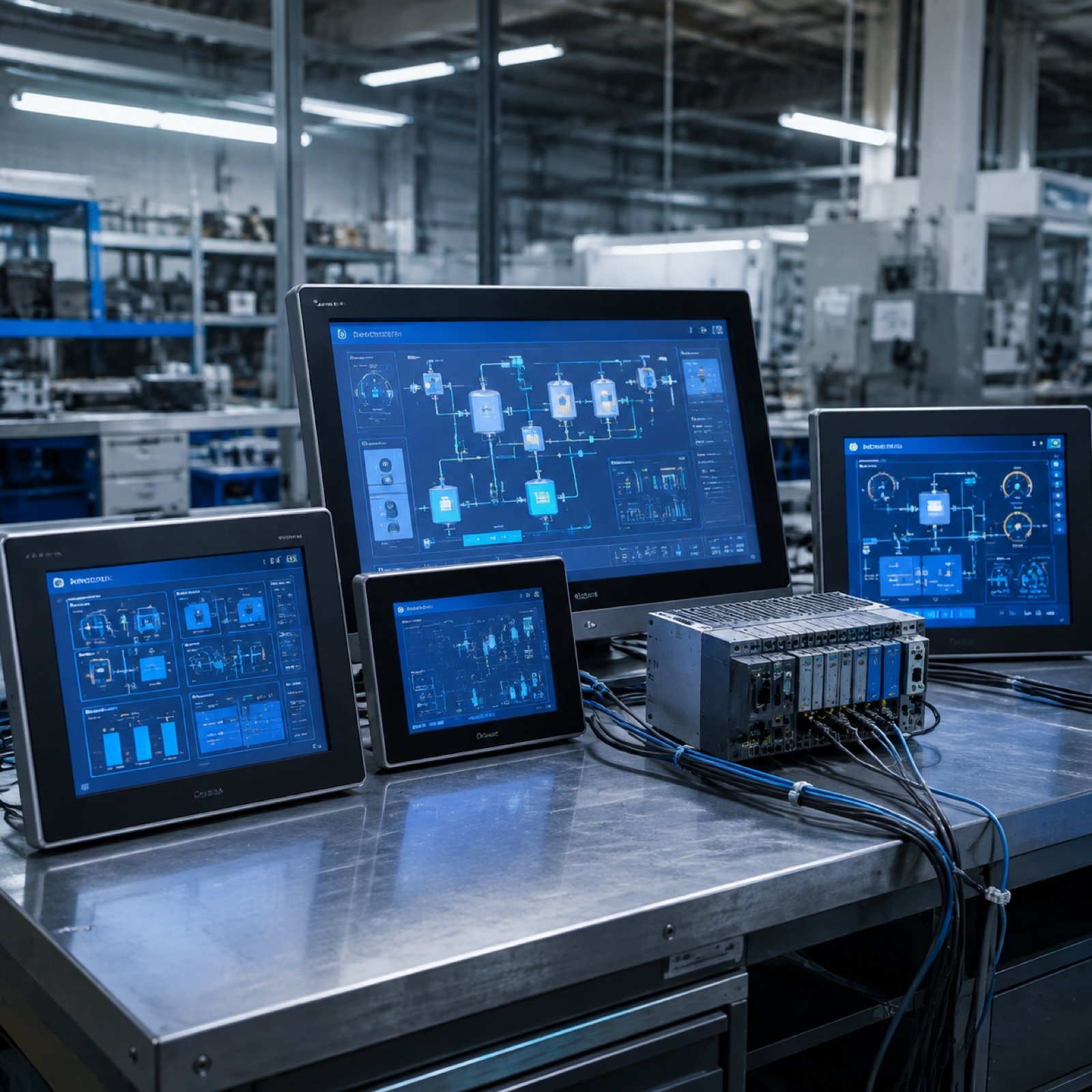
An HMI is the only part of a control system most people ever see. If it is confusing, the machine is judged to be unreliable even when the underlying control is sound.
Screen design
Start screen shows machine state and the current step, not a decorative overview. Manual controls are grouped by station. Settings that can damage the machine sit behind an access level. Navigation is shallow — an operator should never be more than two taps from anything they need during a shift.
Alarm management
Alarms are only useful if they are specific. “Fault station 3” tells an operator nothing; “Station 3 clamp did not reach closed position within 2 s” tells them where to look. We write alarm text that names the device, the expected condition and the timeout, and we separate warnings that need attention later from faults that stopped the machine now.
Alarm history with time stamps is configured as standard, because the first question after an unexplained stop is always what happened immediately before it.
Multi-language interfaces
For machines shipped across Europe, screens are built with a text library from the beginning rather than translated afterwards. Adding a language later then costs a spreadsheet, not a redesign.